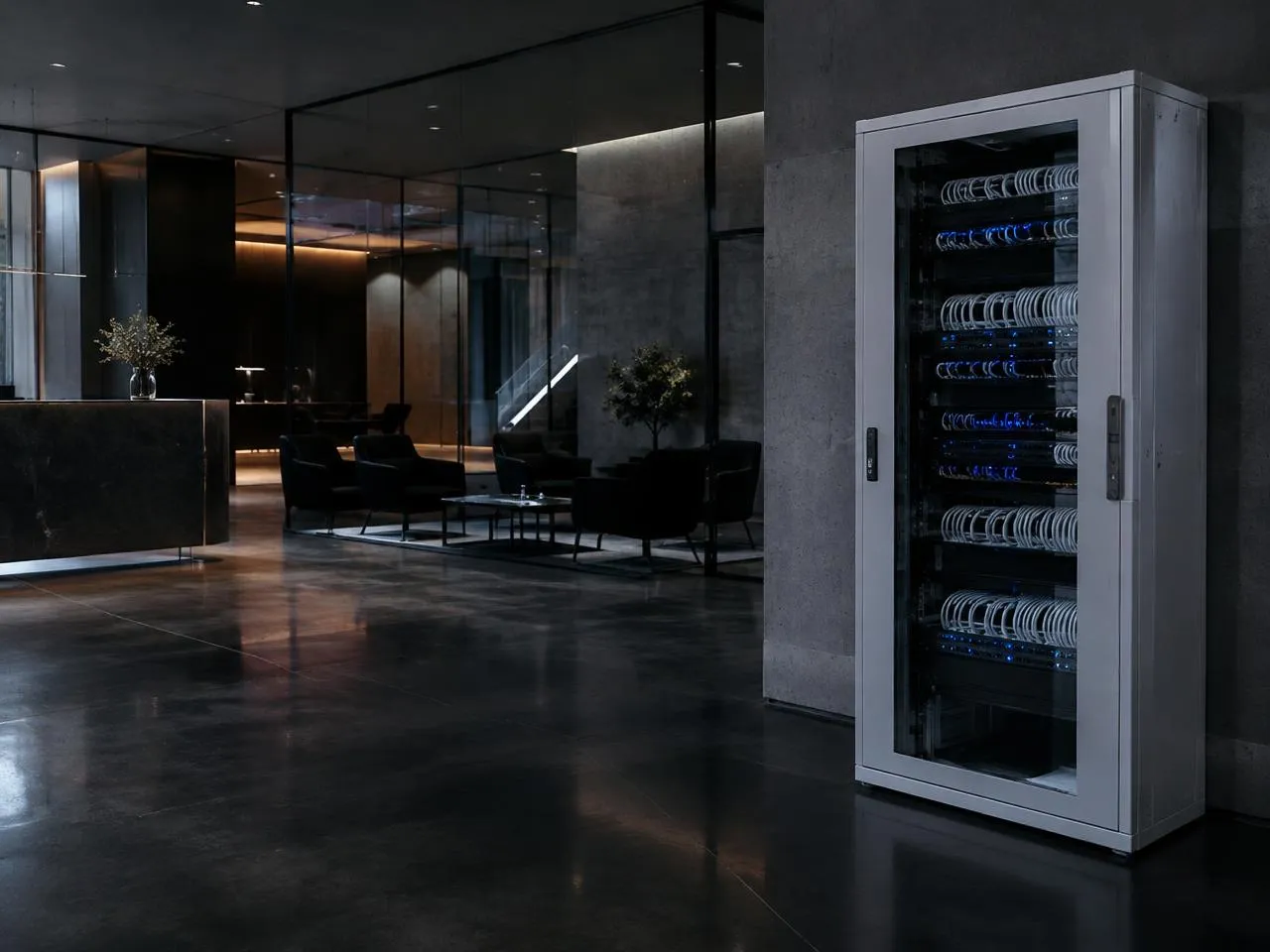
WiFi that holds up on a workday.
Two video calls, a 4K stream and homework, all at once. WiFi 7 access points wired to every level, and guests on their own network that never sees your cameras.
Whole-home WiFi installationNow booking winter and spring installs
Before we run a single cable, you get a plan like this one: every camera's view, every access point's reach and every cable run, drawn for your home. Then we install it on Ubiquiti UniFi hardware you own.
Itemized estimate within 24 hours of the walkthrough. No obligation.
Two video calls, a 4K stream and homework, all at once. WiFi 7 access points wired to every level, and guests on their own network that never sees your cameras.
Whole-home WiFi installation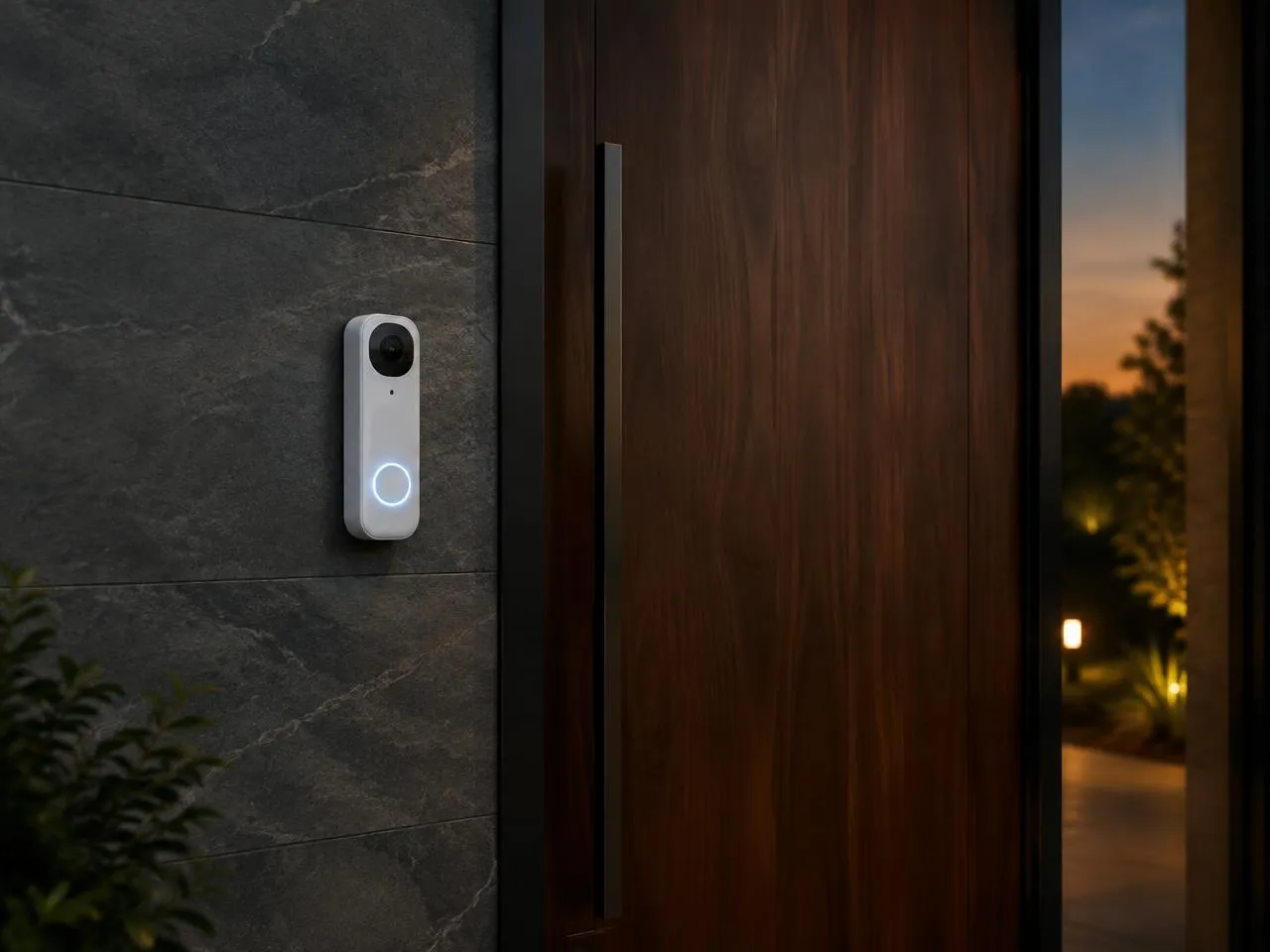
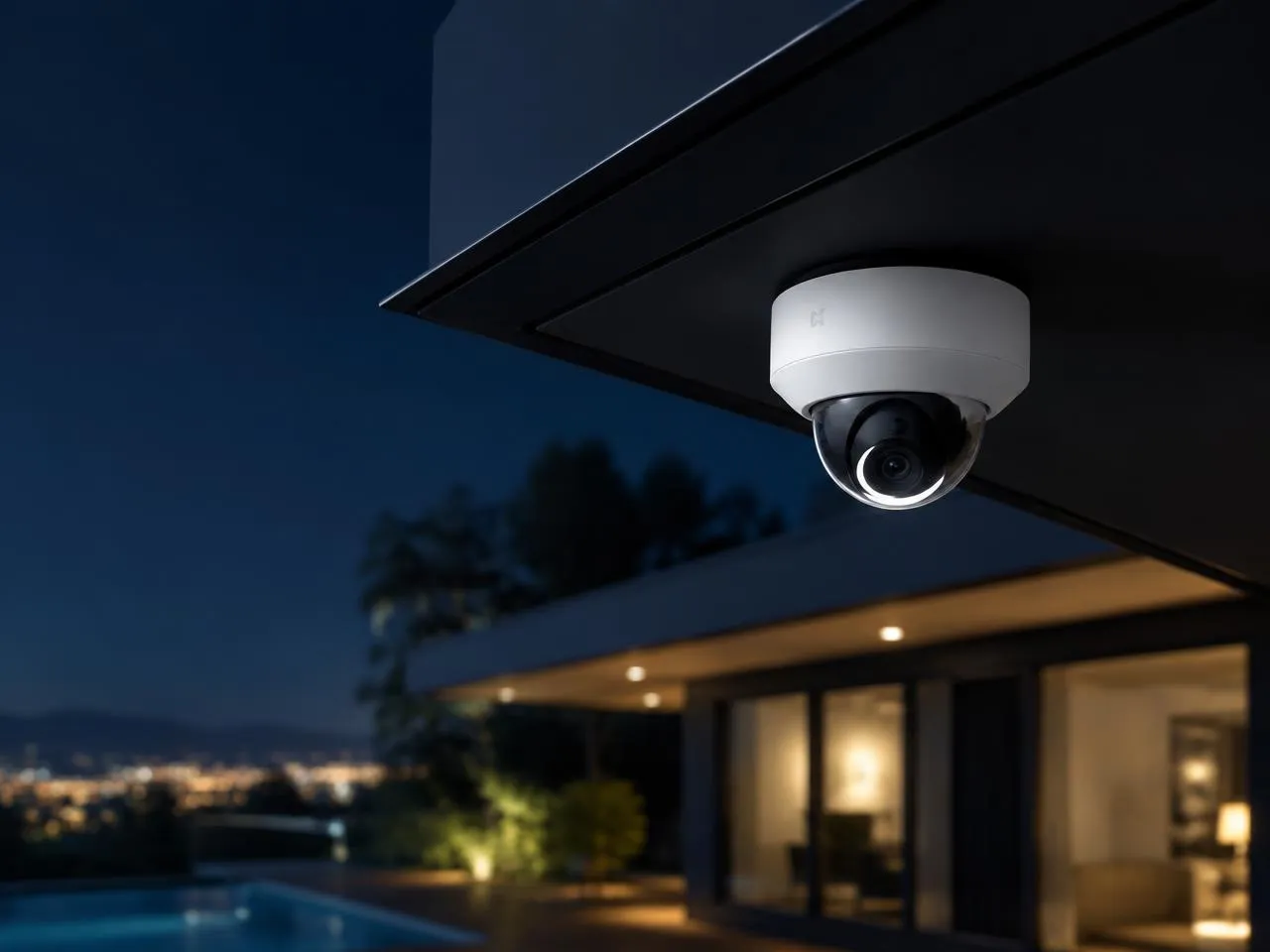
A doorbell camera that sees faces and the package on the step. Answer from your phone, and every clip is saved in your home with the rest of your footage.
Video doorbell installationWhen you travel
Switch the cameras to away mode from the airport, get an alert when a person walks up the drive or a door opens, and watch any clip from anywhere. One app for every camera, the doorbell and the WiFi.
Home, away mode
All closed
Cameras
6 cameras recording, Away mode on
Armed
Doors
Front door, back door and garage closed
Closed
Doorbell
Package delivered at 2:14 PM, clip saved
1 alert
Illustrative screen
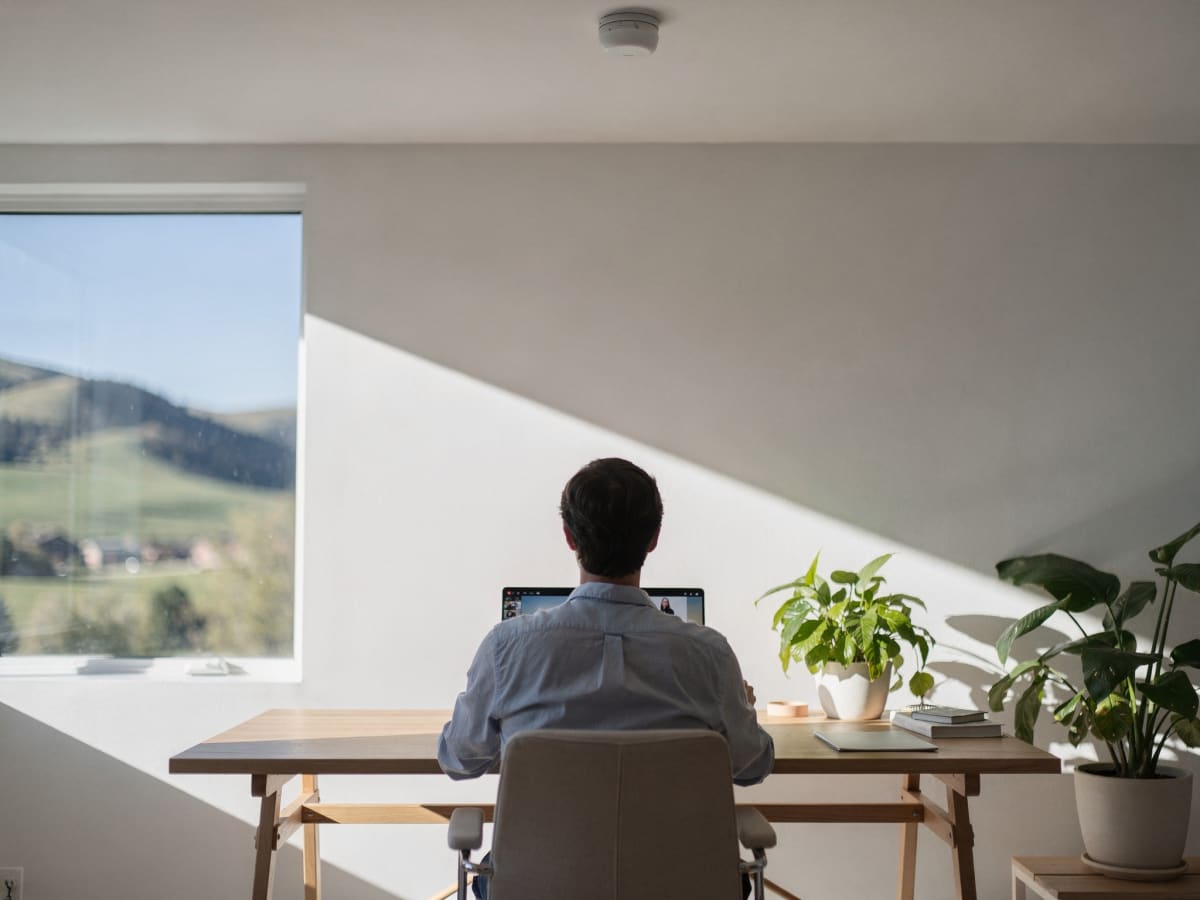
Built for working from home
A city lot, a foothills lot, five acres of pines and open prairie each need something different. We plan the cameras and WiFi around the home you have, from Colorado Springs to Fort Collins.
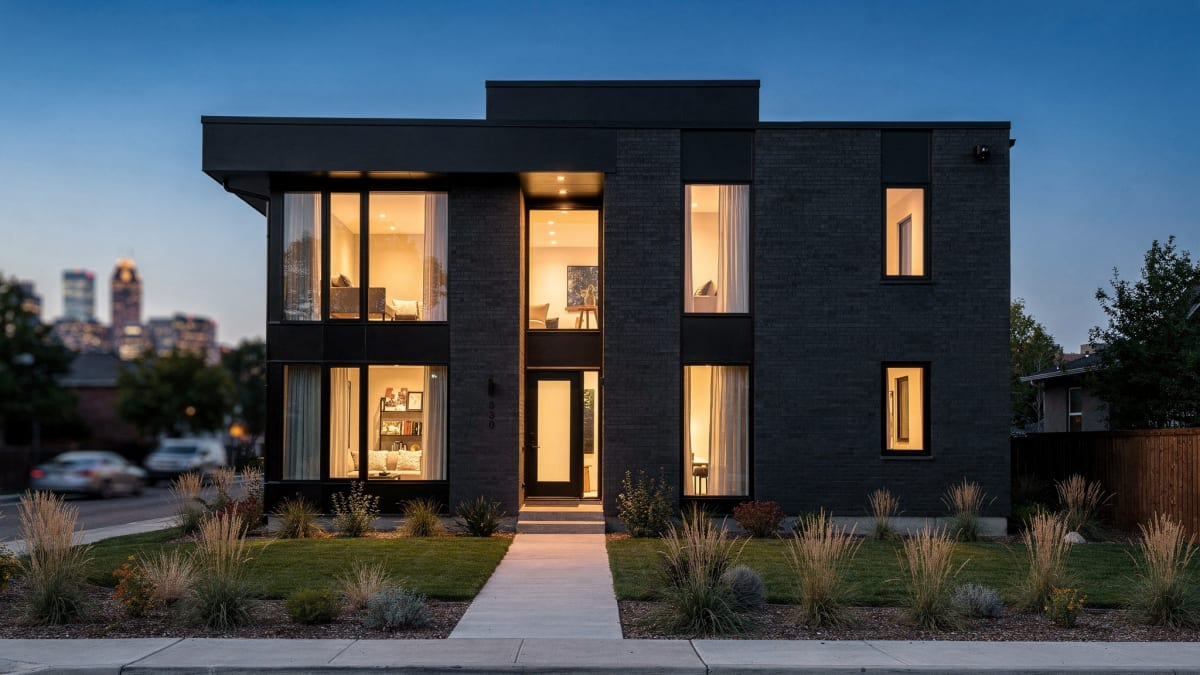
Brick, plaster and neighbors close by. WiFi that gets through old walls, and cameras aimed at your property, not the house next door.
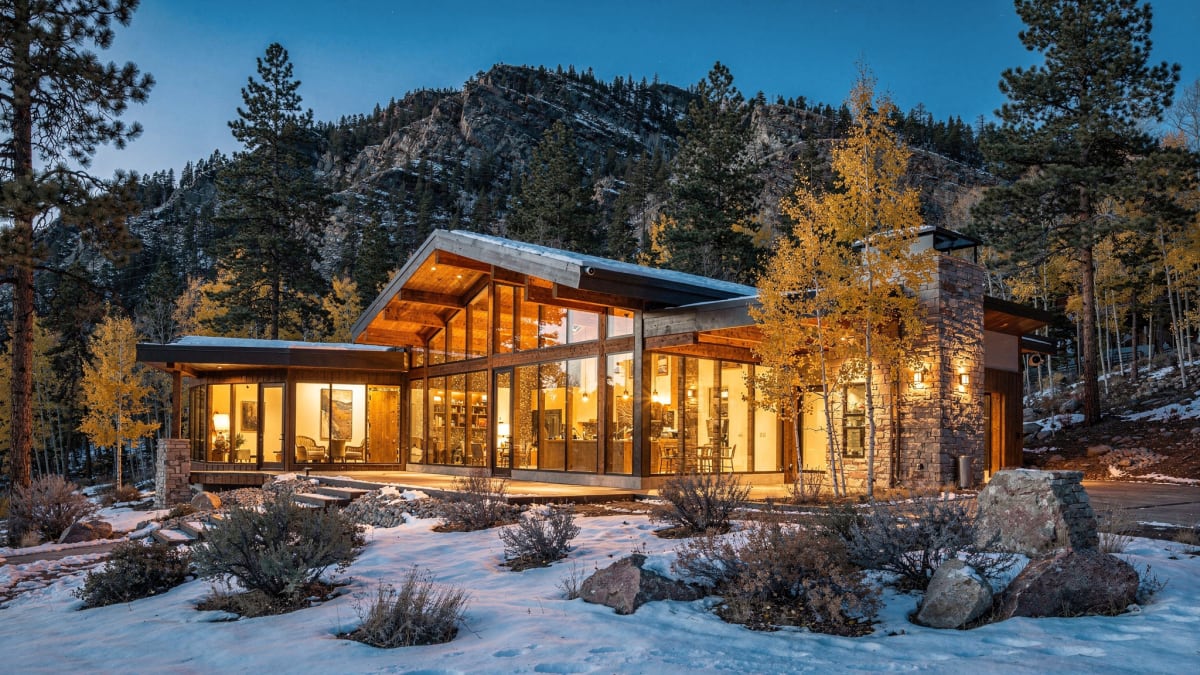
Stone, steep lots and long drives. Weather-rated cameras on the approach and WiFi out to the deck and the detached garage.
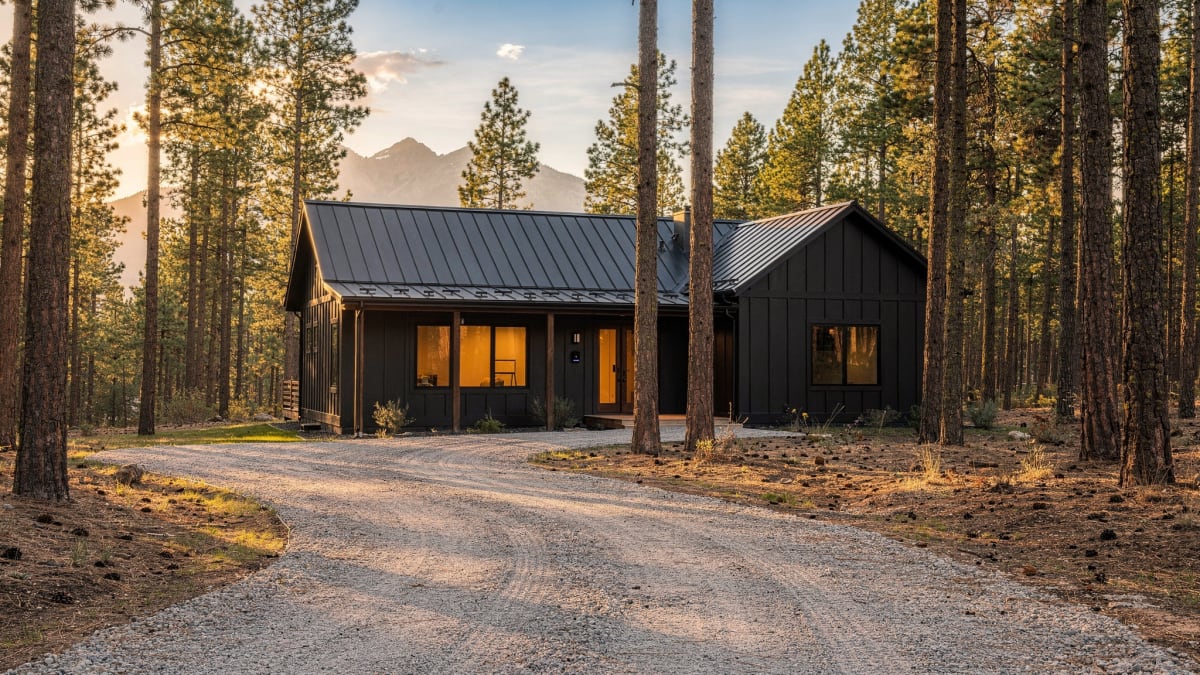
Acreage, tree cover and outbuildings. Cameras on the long gravel drive, and WiFi that reaches the shop and the barn.
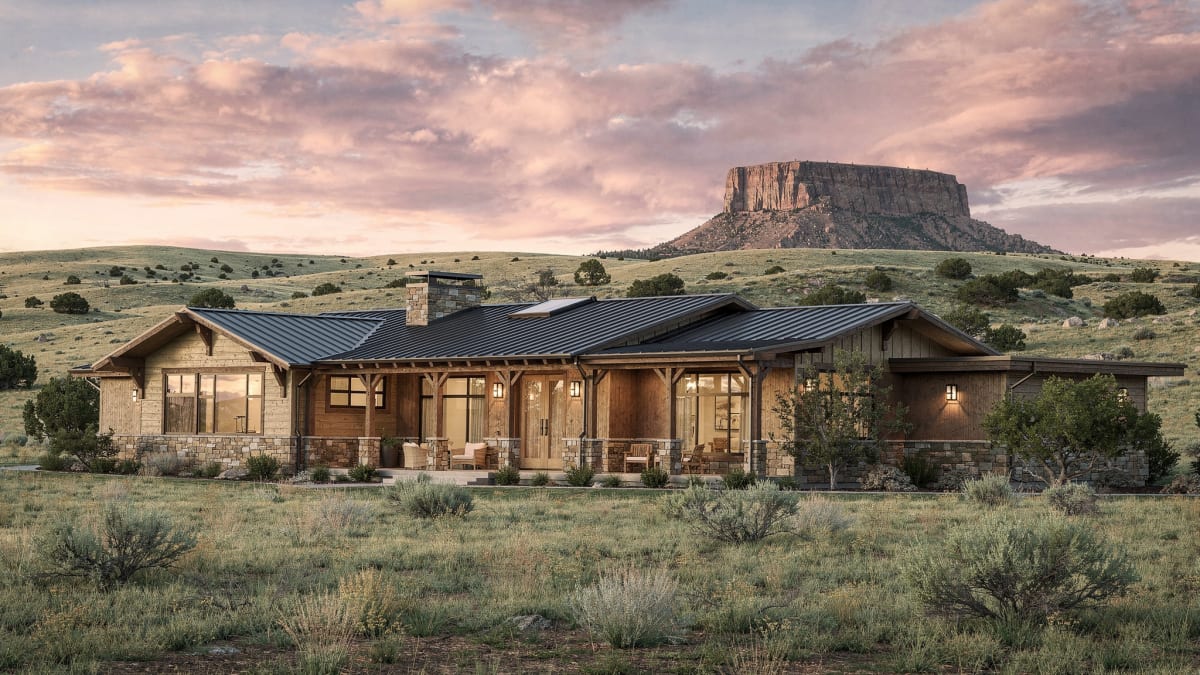
Wind, wide views and wildlife. Cameras that tell a person from a deer or a coyote, and WiFi to the far edge of the yard.
Why UniFi, installed by ODP
Consumer systems rent you a cloud. Integrators sell lighting and AV first. We build the network and security underneath: cameras that record in your house, no monthly fees, one app, at published prices.
| Feature | ODP | Consumer (Ring, ADT, handyman) | Integrator (Control4, Savant) |
|---|---|---|---|
| Camera subscription | None | Monthly plan | Varies |
| Where footage lives | In your home | Vendor cloud | Varies |
| WiFi 7 network included | Yes | No | Often separate |
| Pricing | Published packages and labor menu | Equipment plus monthly | Quote only |
| Typical cost | $4,999 to $7,661 (Core) | $1,447 average install, cameras only | $30,000 to $70,000 whole-home |
Published pricing
Whole-home WiFi starts at $2,523 and WiFi with 3 cameras and a doorbell at $4,999. Every estimate is itemized, with a published labor price per device, in a base and a premium build.
G5 Bullet 2K cameras and U7 Pro access points. Same labor either way.
Whole-home WiFi, ready for cameras later
$2,523
typical total, base build · about 1 day on site
Base $2,523 · Premium $3,544
WiFi, 3 cameras and a video doorbell
$4,999
typical total, base build · 1–2 days on site
Base $4,999 · Premium $7,661
Larger homes: 6 cameras, 3 access points
$7,839
typical total, base build · 2–3 days on site
Base $7,839 · Premium $12,127
Big homes, long drives and outbuildings
$12,444
typical total, base build · about a week on site
Base $12,444 · Premium $19,445
Consultation
We walk the home, count devices and map WiFi and camera coverage. It takes about an hour.
Itemized estimate in 24 hours
Every device and every labor line itemized, in a base and a premium build.
Installation
Clean, concealed wiring and a tidy rack. The people who quote your system install it. A deposit covers the hardware; labor is billed when we finish.
Care plan, $79 a month
Optional. Every visit, firmware updates and remote support. Work done on a visit is billed from the menu.
Time on site
| Network-onlyGateway, switch, 2 access points | about 1 day |
|---|---|
| CoreWiFi, 3 cameras, doorbell | 1 to 2 days |
| Plus3 access points, 6 cameras | 2 to 3 days |
| Estate5 access points, 10 cameras | about a week |
Estimated time on site for an existing home with one installer. New builds follow your builder's schedule, starting at pre-wire.
Questions owners ask
ODP packages start at $2,523 for whole-home WiFi (Network-only) and $4,999 for WiFi, 3 cameras and a video doorbell (Core). Larger homes run $7,839 (Plus) and $12,444 (Estate) in the base build. Every estimate is itemized: the equipment, a published labor price for each device, and a commissioning fee.
Yes. UniFi Protect cameras record to storage inside your home, so there's no per-camera cloud fee. You still watch live and recorded video from anywhere in the UniFi Protect app.
Ours don't. Each camera is wired with one Ethernet cable that carries both power and video, so it keeps recording if the WiFi drops. You only need an internet connection to view cameras when you're away.
Per device, not per hour, from a menu published on our packages page: $225 per camera, $150 per access point, $200 per doorbell and $100 per cable run through finished walls. A tricky install never turns into an "it took longer" conversation.
Estimated time on site is about a day for Network-only, 1 to 2 days for Core, 2 to 3 days for Plus and about a week for Estate. Your itemized estimate arrives within 24 hours of the consultation.
Control4 and Savant run your lights, shades and TVs. We build the network and security underneath: cameras that record in your house, no monthly fees, one app. Keep their quote for lighting and AV if you want it, and compare our number for the network and cameras.
The Colorado Front Range from Fort Collins to Colorado Springs, including Loveland, Longmont, Boulder, Denver, Highlands Ranch, Parker, Castle Rock and Monument.
Yes. New builds and remodels with open walls are the easiest installs: we pre-wire during framing, so there are no retrofit cable runs to pay for.
We walk the home, draw your placement plan and send an itemized estimate, base and premium, within 24 hours of the walkthrough.